Window manager
- Trazzo Pro
- Included
- Paste
- Not included
- Raycast Pro
- Included
- 3 separate apps
- Included
Apple Silicon Native · Notarized by Apple
Trazzo tiles your windows, shows everything at once in Overview, keeps files on a floating Shelf and remembers what you copied. Offline, no subscription, one payment.
Drag the glowing corner, drop the file on the Shelf, then paste from your clipboard history.
Recently copied

01
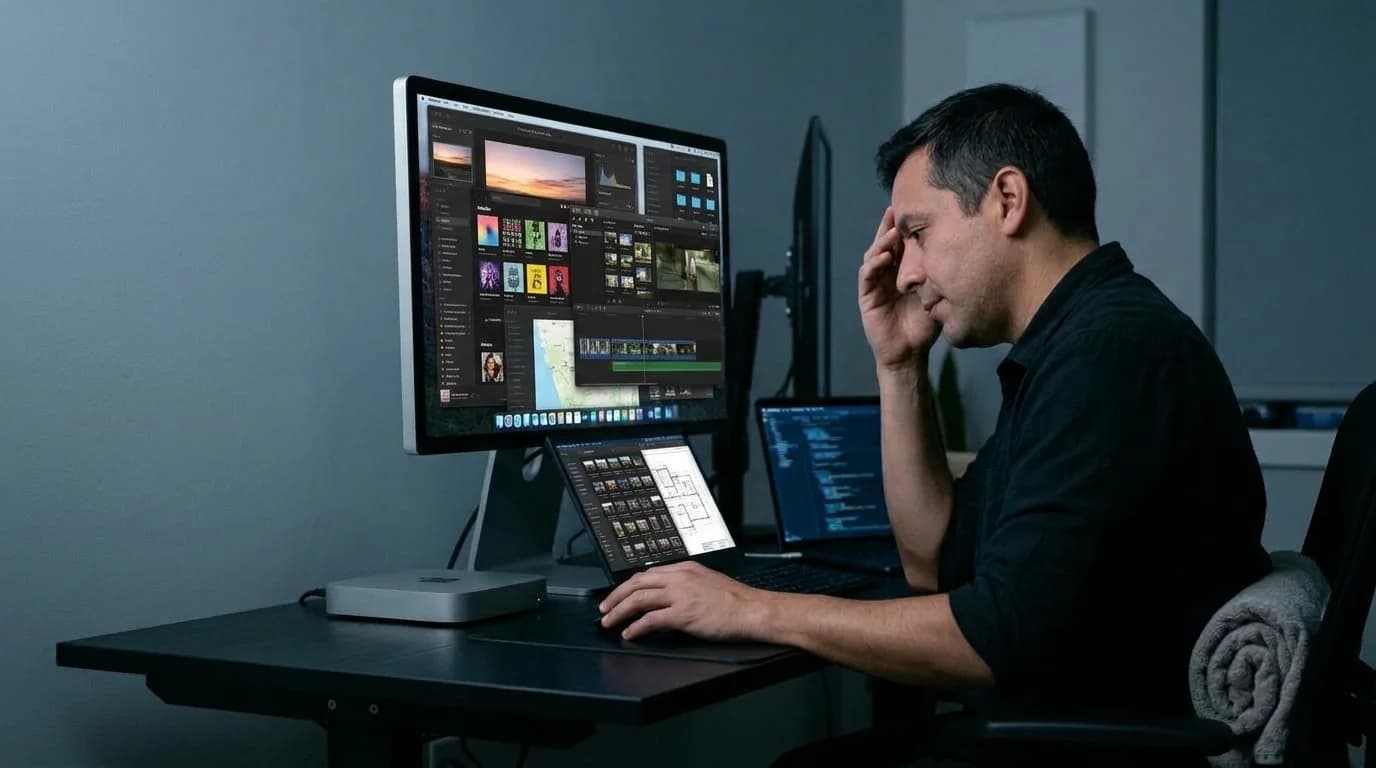
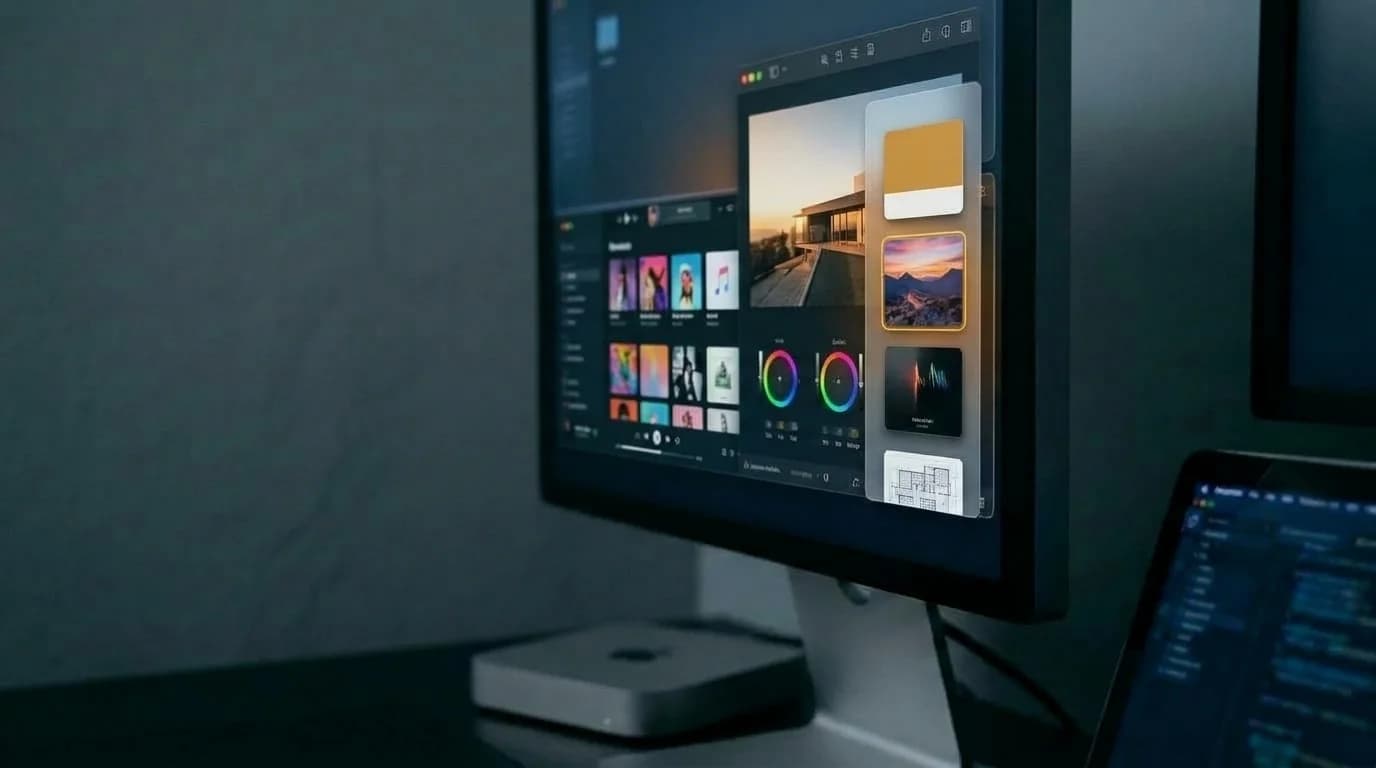
That is how most afternoons end: layers on layers, and the file you want is under all of them.
02
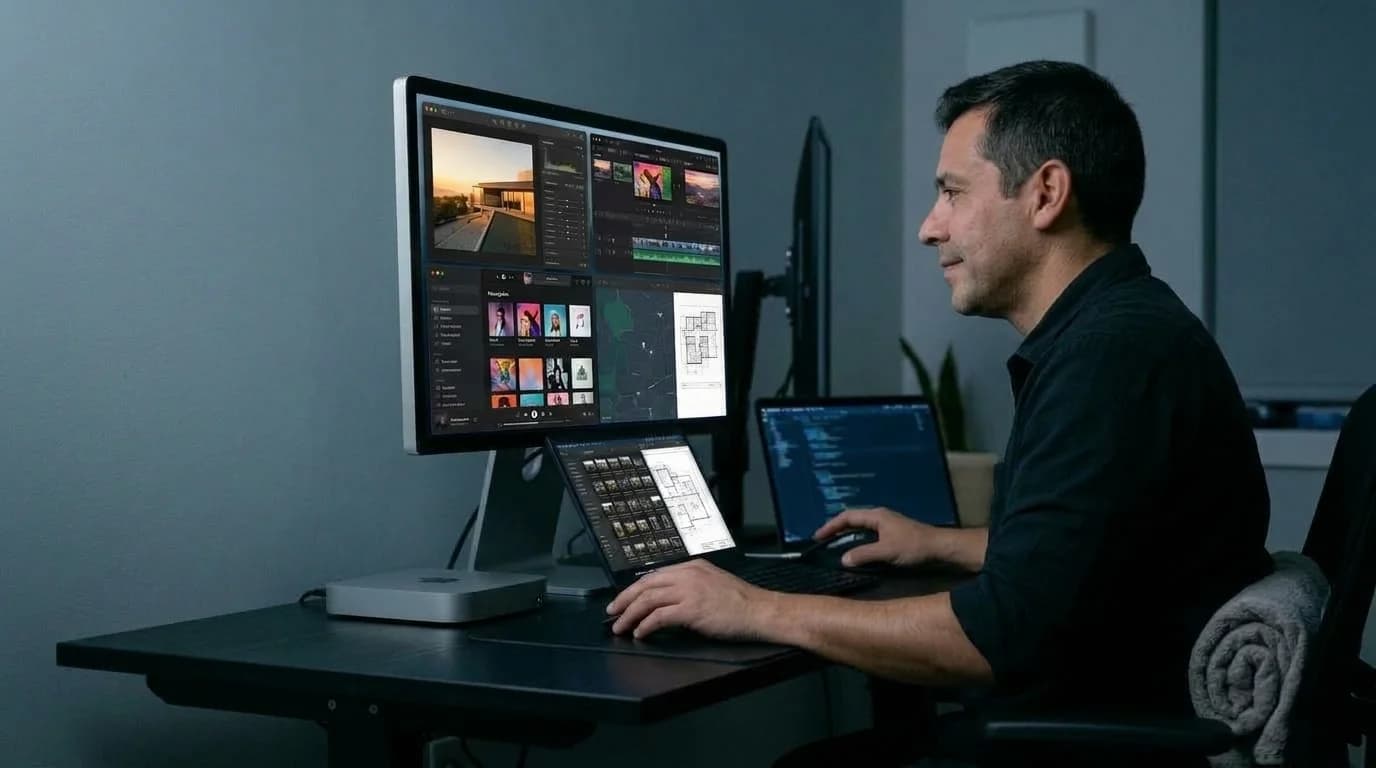
Push the pointer into the active corner and Trazzo lays your windows out in a clean grid. Keyboard shortcuts do the same.
03
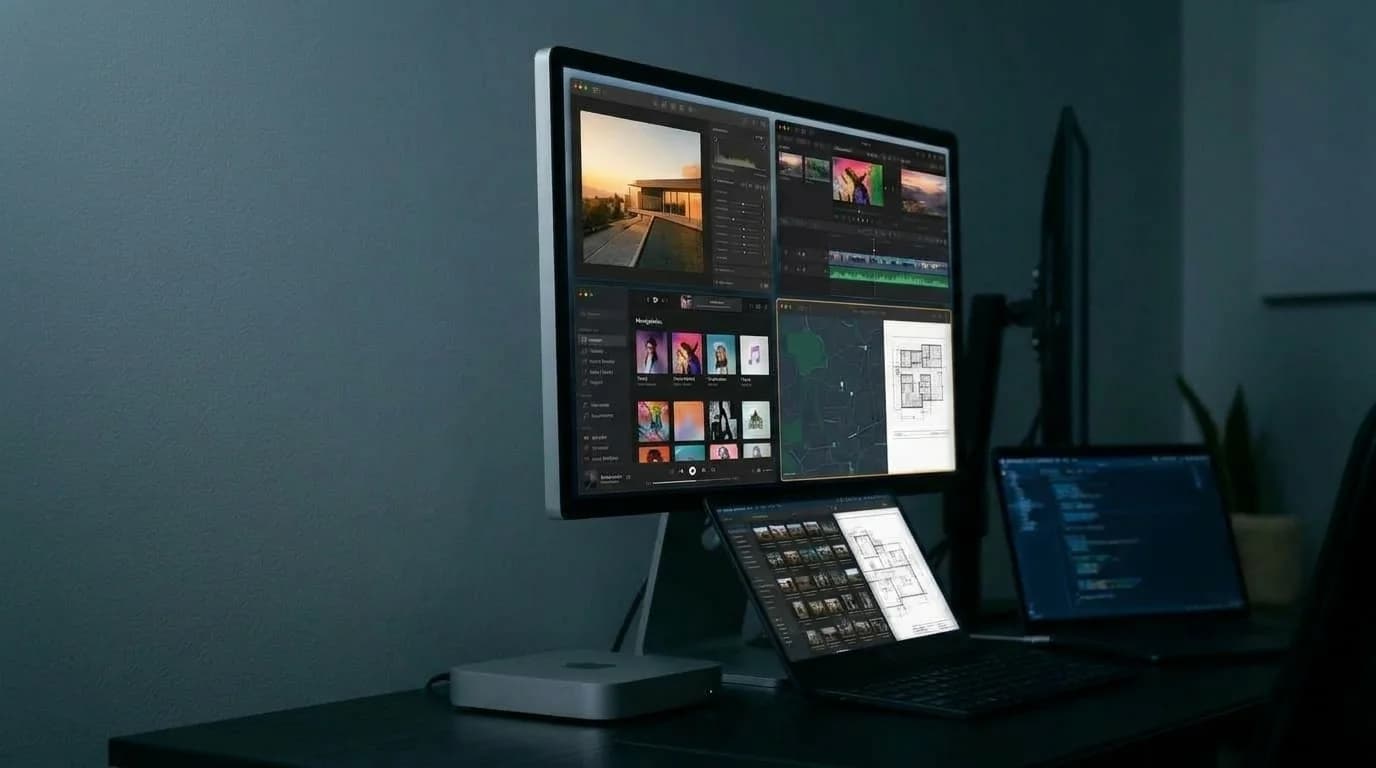
Overview shows every window as a tile. Workspaces save each layout by project so you can come back to it.
04
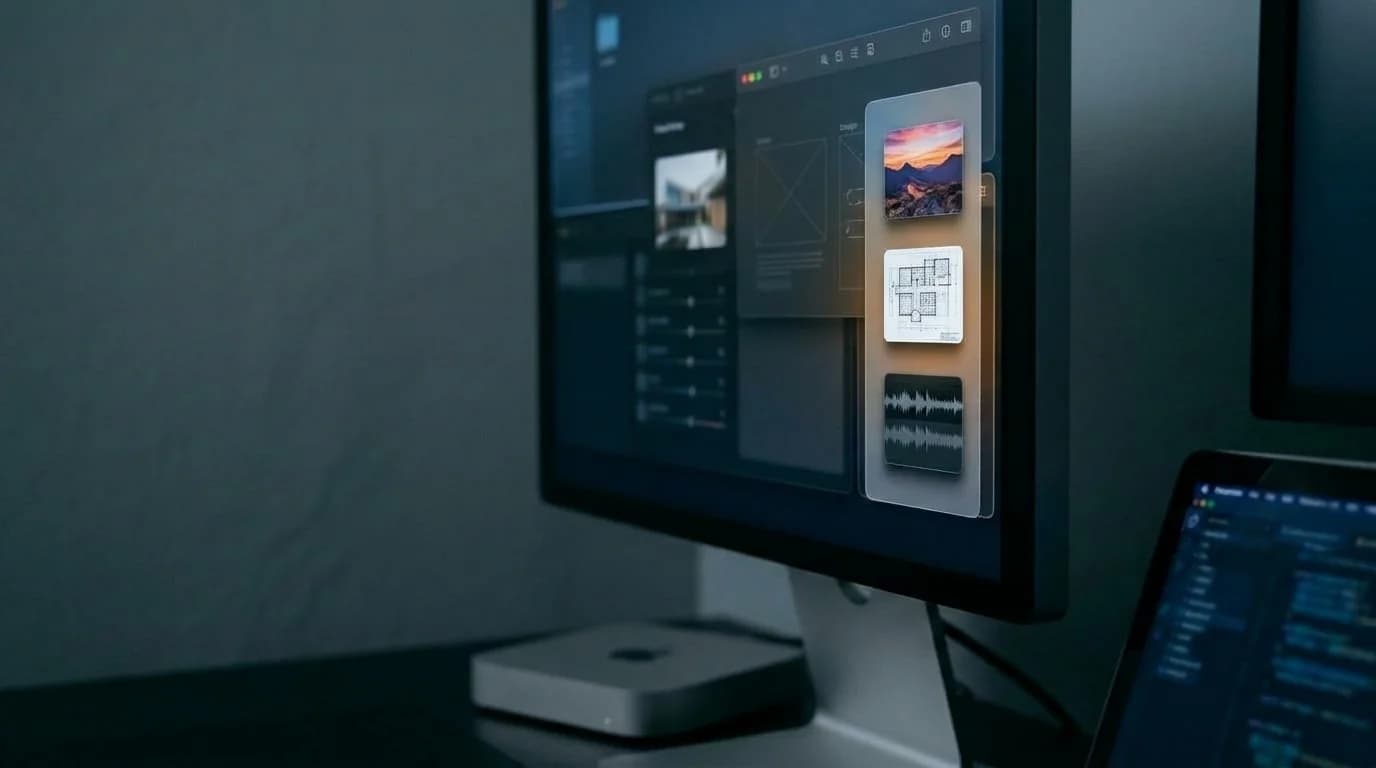
Drop files on the side Shelf while you switch apps, then drag them where they belong when you get there.
05
ClipboardPanel keeps text, colors and images. Find them and paste without leaving what you are doing.
06
Everything runs on your Mac, offline. You pay once and it is yours.
Trazzo ships with five visual guides inside the app. These are the same ones.

macOS asks for it so Trazzo can move windows. System Settings › Privacy & Security › Accessibility, then switch Trazzo on.
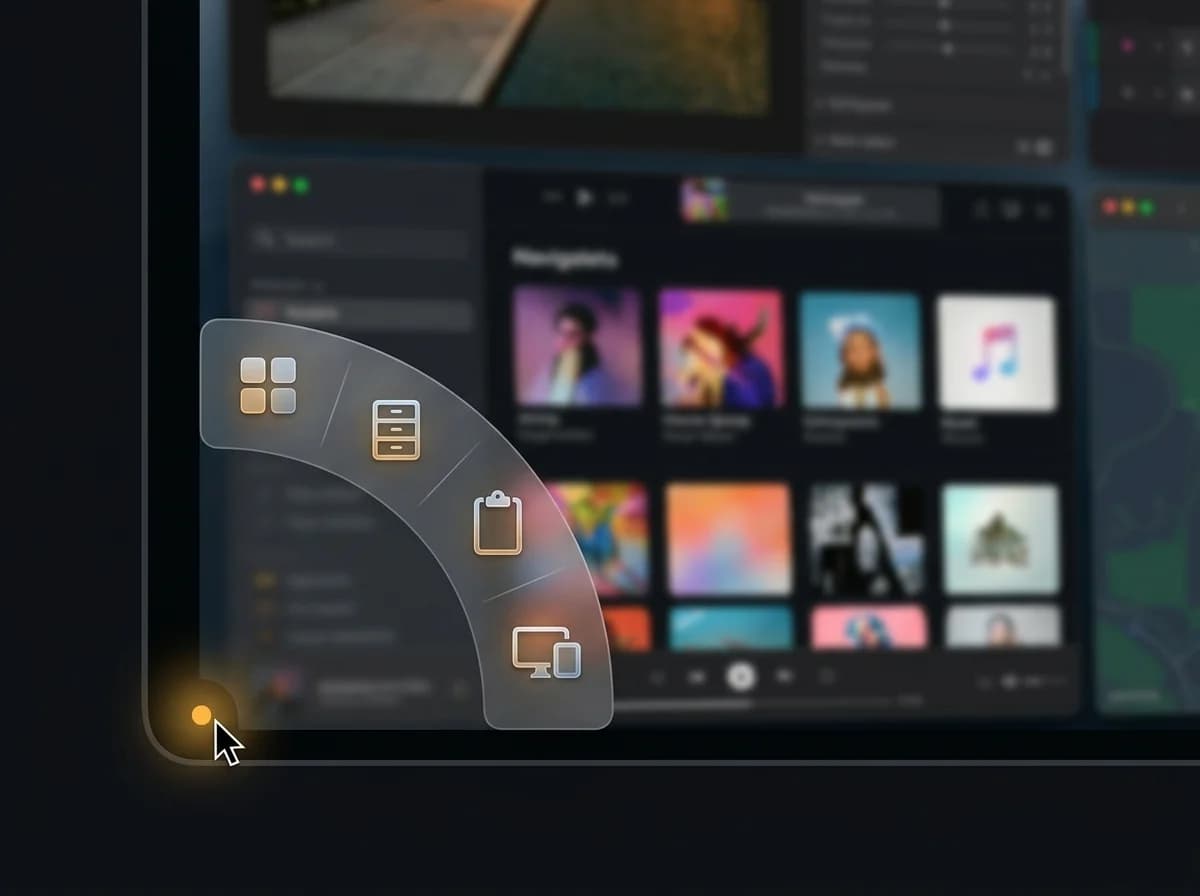
Push the pointer into the active corner and a radial menu opens: tile, columns, Shelf and clipboard. Or use your shortcuts.
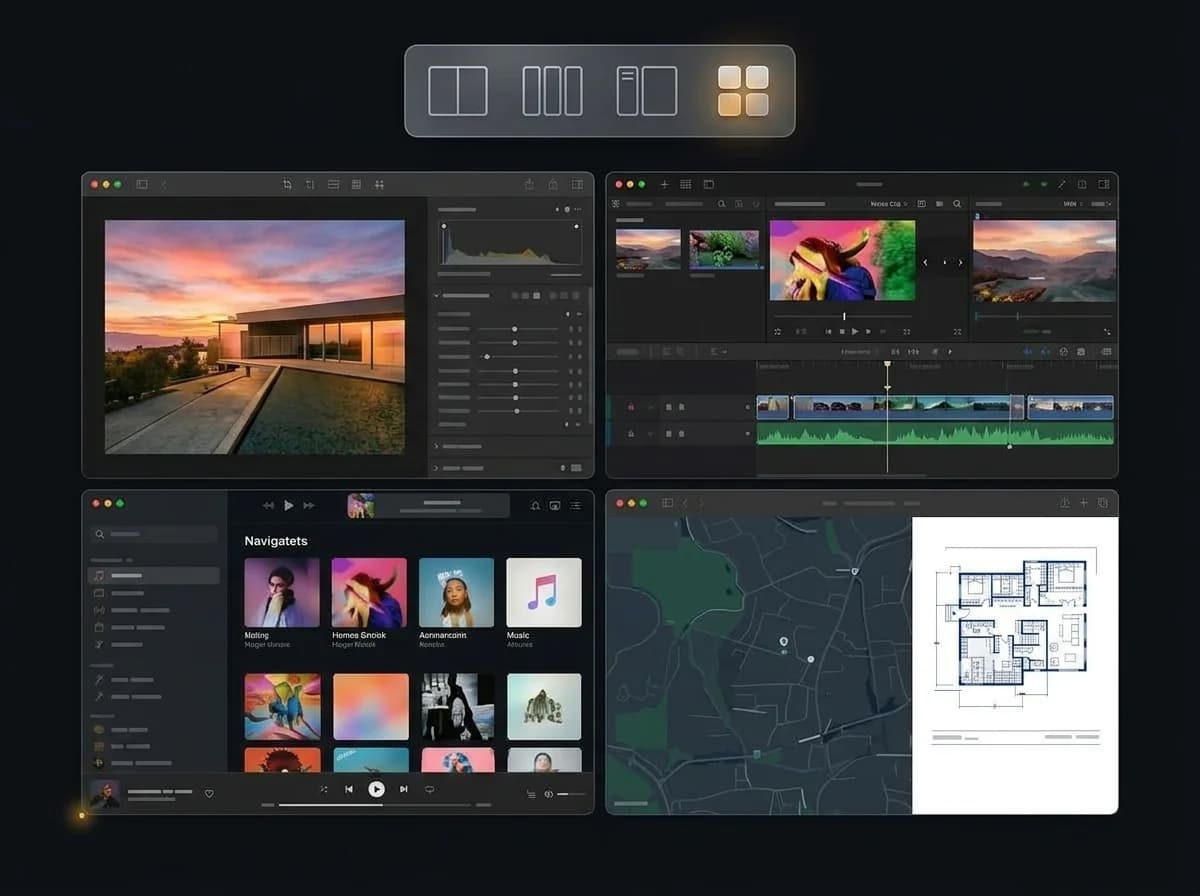
Pick a template at the top and Trazzo arranges the windows. Save the layout as a Workspace to return to it later.
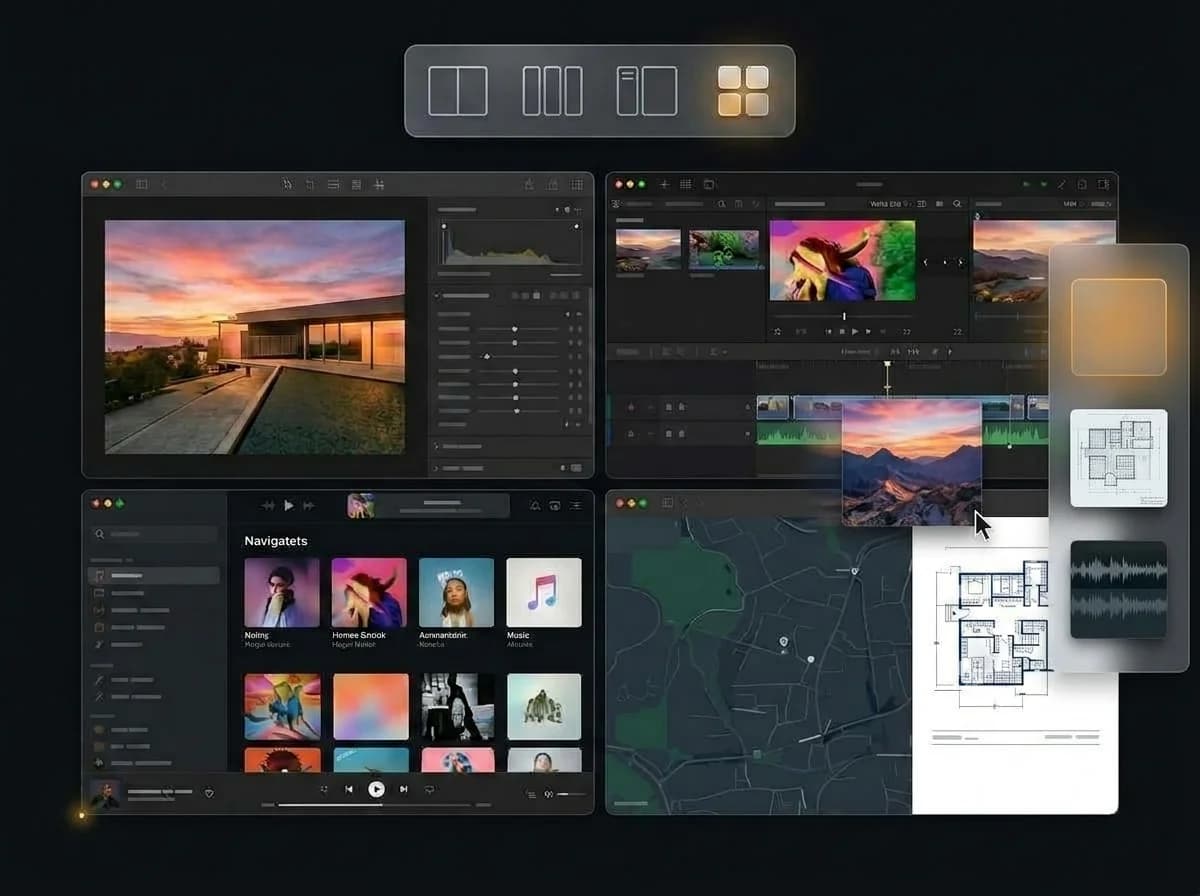
While you drag a file, the Shelf appears at the screen edge. Drop it there and it floats until you need it.
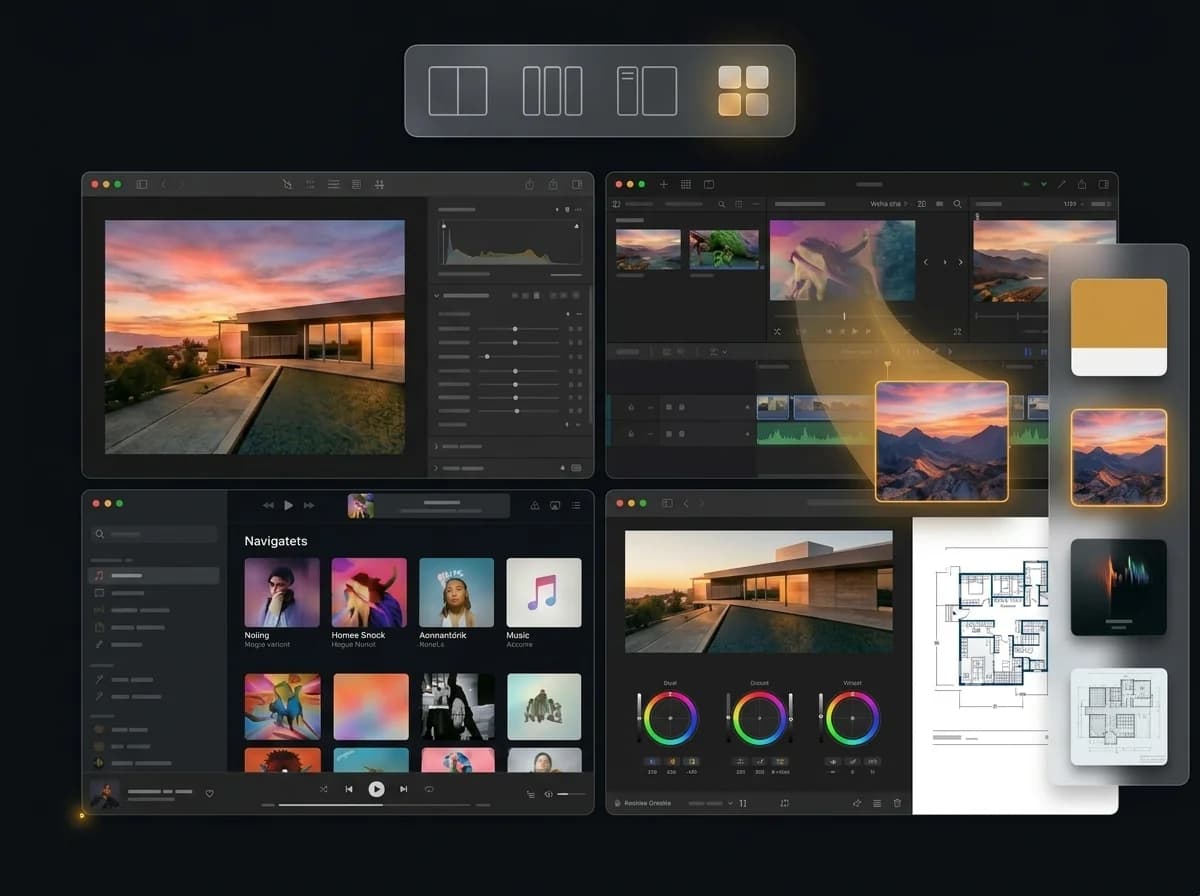
Open the panel with your shortcut, pick something you copied earlier and it pastes where your cursor is.
The four tools working together, recorded on a real Mac.
Trazzo Pro covers what usually takes several apps and subscriptions.
| Feature | Trazzo Pro | Paste | Raycast Pro | 3 separate apps |
|---|---|---|---|---|
| Window manager | ||||
| Overview and Workspaces | Varies | |||
| Floating Shelf | ||||
| Clipboard history | ||||
| No account, no subscription | Varies | |||
| Payment model | One payment | Subscription | Subscription | Mixed |
| Cost over 3 years | $29 once | $90 | $288 | $90 + 2 licenses |
Reference prices in USD for Paste and Raycast Pro over 36 months. Check each vendor's current pricing.
Every plan includes all four tools. Choose by how many Macs you use.
1 Mac
$19USD · one-time
2 Macs
$29USD · one-time
5 Macs
$49USD · one-time
Try it 14 days without a card.
If Trazzo is not for you, write to us within 14 days of buying and we refund you.
Trazzo runs 100% offline. Your windows, files and clipboard never leave your Mac.
Prices in USD. At checkout, Stripe shows the amount in your local currency.